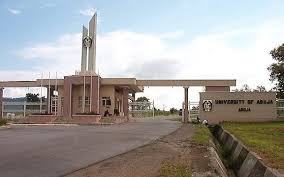
The management of the University of Abuja has released its First and Second Admission List for the 2019/2020 Academic Session.
All candidates who applied into the university are advised to check their admission status and proceed with the registration process.
The details on how to check the admission status are given below:
A. How to Check from the University’s Admission Portal
- Visit the school’s admission portal at https://portal.uniabuja.edu.ng/
- Provide your JAMB registration number and Password in the required columns.
- Click on ‘Login to Dashboard’ button to access your UNIABUJA 2019/2020 admission status
B. How to Check using JAMB’s CAPS
- Visit jamb.org.ng/efacility.
- Login to your Jamb profile with your username and password.
- Scroll down then locate and click the ‘Check Admission Status‘ tab.
- Select your Exam year and enter your registration number in the required columns.
- Then, click on ‘Check Admission Status‘ to access your admission status.
- For those that their status is showing “Admission Still in Progress” or “Not Admitted”, you are advised to keep checking as the status may change anytime soon.
Congratulations to all admitted candidates.
 Examprepng